Open connector settings
Open the MCP connector settings in ChatGPT.
ChatGPT · Connectors
MCP servers
+ Add custom server
Connect once. Plan scenes, generate images and videos, and build an editable Canvas project from a conversation.
Open the MCP connector settings in ChatGPT.
Add a custom server and paste the DeepXora MCP URL.
Sign in to DeepXora and approve access, then ask ChatGPT to create.
https://deepxora.com/api/mcpThe images above are visual guides; labels in each client can vary by version.
Use a key for clients that require a bearer token. OAuth clients can sign in directly. Each key can run generations using your DeepXora credits.
No active keys yet.
Start with a brief
Original examples made for DeepXora. Open one to adapt it or copy its prompt to an MCP conversation.
 Brand film
Create a 30-second cinematic car rental ad for an Albanian travel brand. Show an exhausted traveler at the airport, a long rental counter queue, a quick mobile booking, keys in hand, and a drive along a sunlit coastal road. Plan five separate scenes with consistent traveler, car and location references, 9-frame visual boards, on-screen captions and Albanian voiceover. Keep each clip editable in the DeepXora editor.
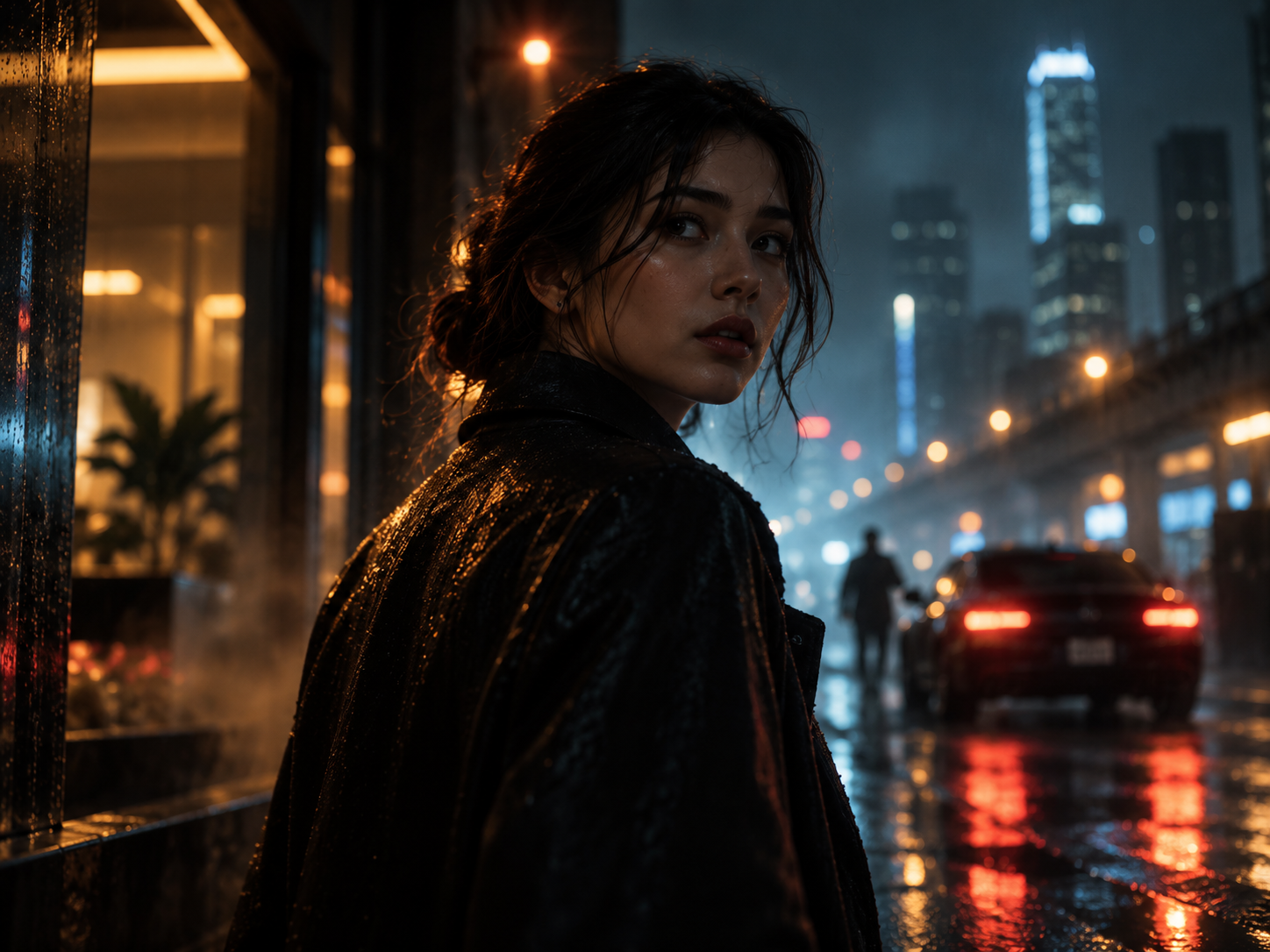 AI film
Plan a 20-second cinematic story: a young courier follows a mysterious reflection through a rain-soaked city at night. Four scenes, consistent actor and wardrobe, wide establishing shots, close-up visual references, precise lens and camera moves. Generate separate video scenes and keep music, sound and captions editable.
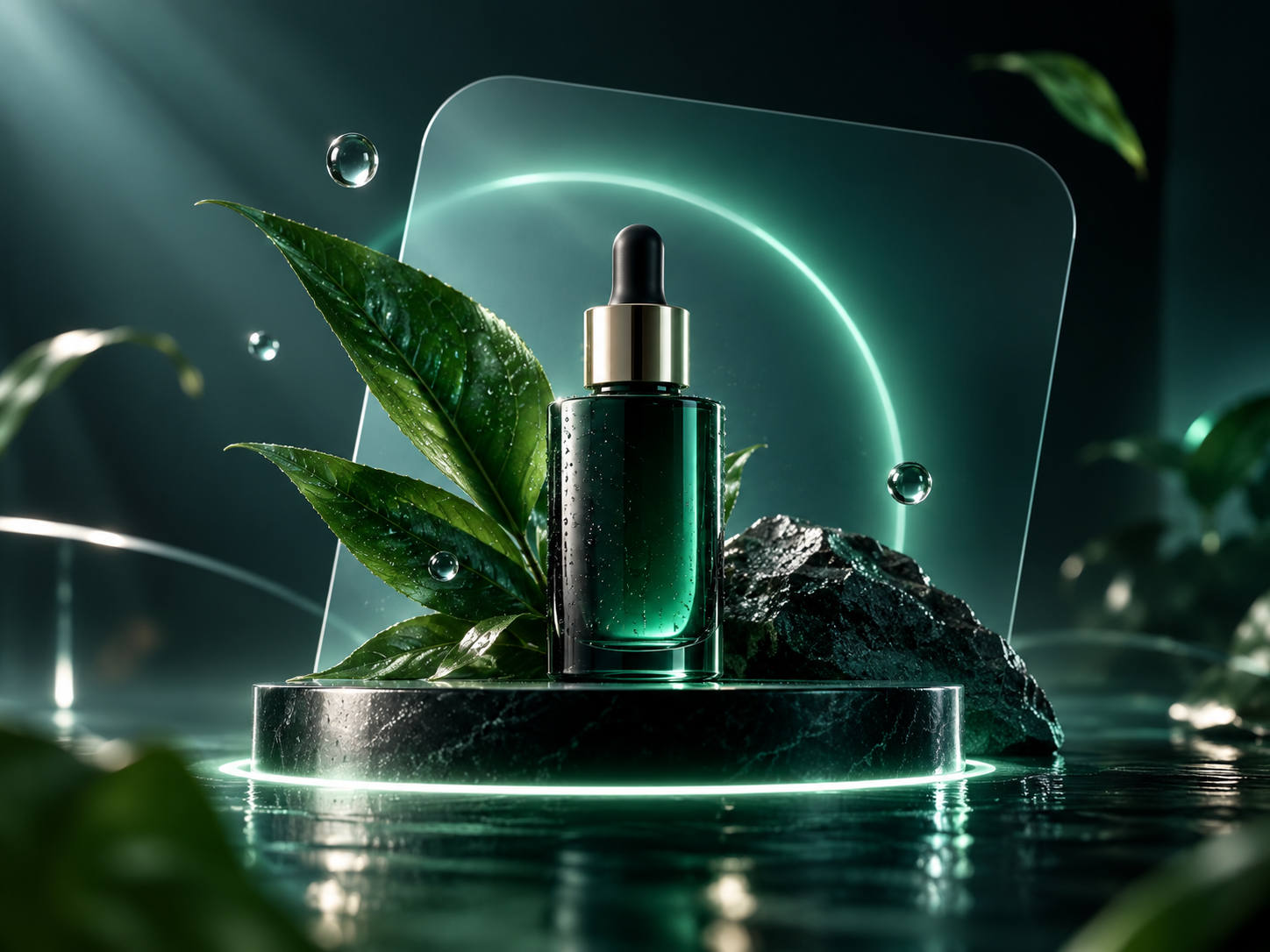 Product ad
Create a 15-second premium product launch video for a new travel camera. Build a product reference sheet, macro detail images, a 9-angle visual board, three video scenes, short social captions and an optional voice track. Keep all elements separately editable and export in 9:16.
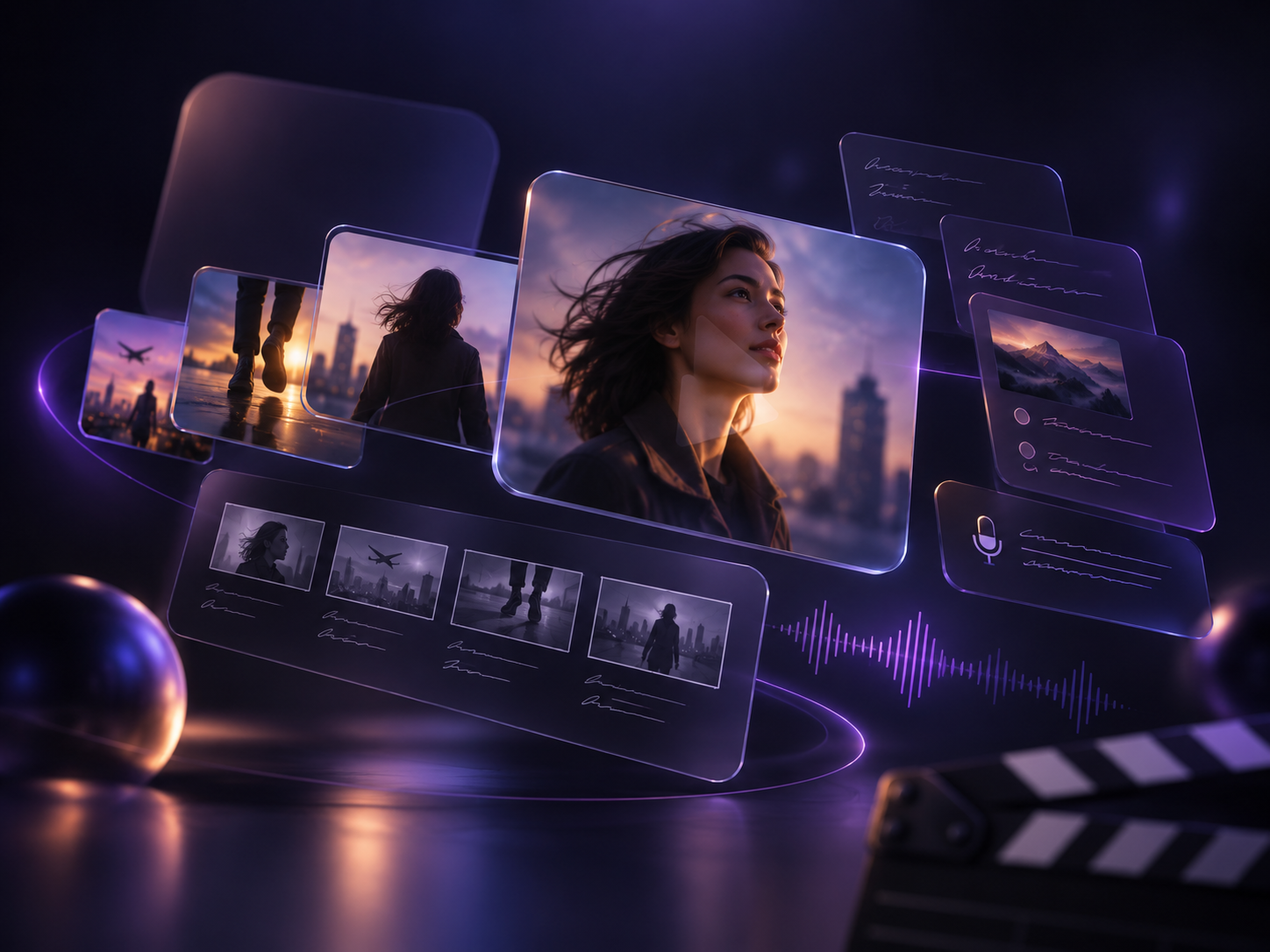 UGC ad
Create a 25-second vertical UGC ad for a local rental company. Follow the same 28-year-old Albanian traveler across arrival, booking on phone, car collection and scenic drive. Natural dialogue in Albanian, authentic airport light, separate clean video clips, editable subtitle and voice tracks.
Create visuals and references with your chosen model.
Generate scenes with duration, format and model control.
Turn a brief into a coherent scene plan.
Open the production graph and continue in the editor.
It connects supported AI clients to DeepXora tools for planning projects and generating media under your account.
Select the client above, add the displayed server URL, sign in through OAuth and approve access.
Cursor, Claude Code and agent tools can use a bearer key. Name each key, copy it when created and delete it here at any time.
Generated projects and media appear in your DeepXora workspace. Canvas projects can continue in the editor.
DeepXora stores the creator snapshot with each generation and embeds author metadata in supported locally saved image and video files.